Claude Code Agent Teams: What They Are and Why They Change Everything About AI Coding

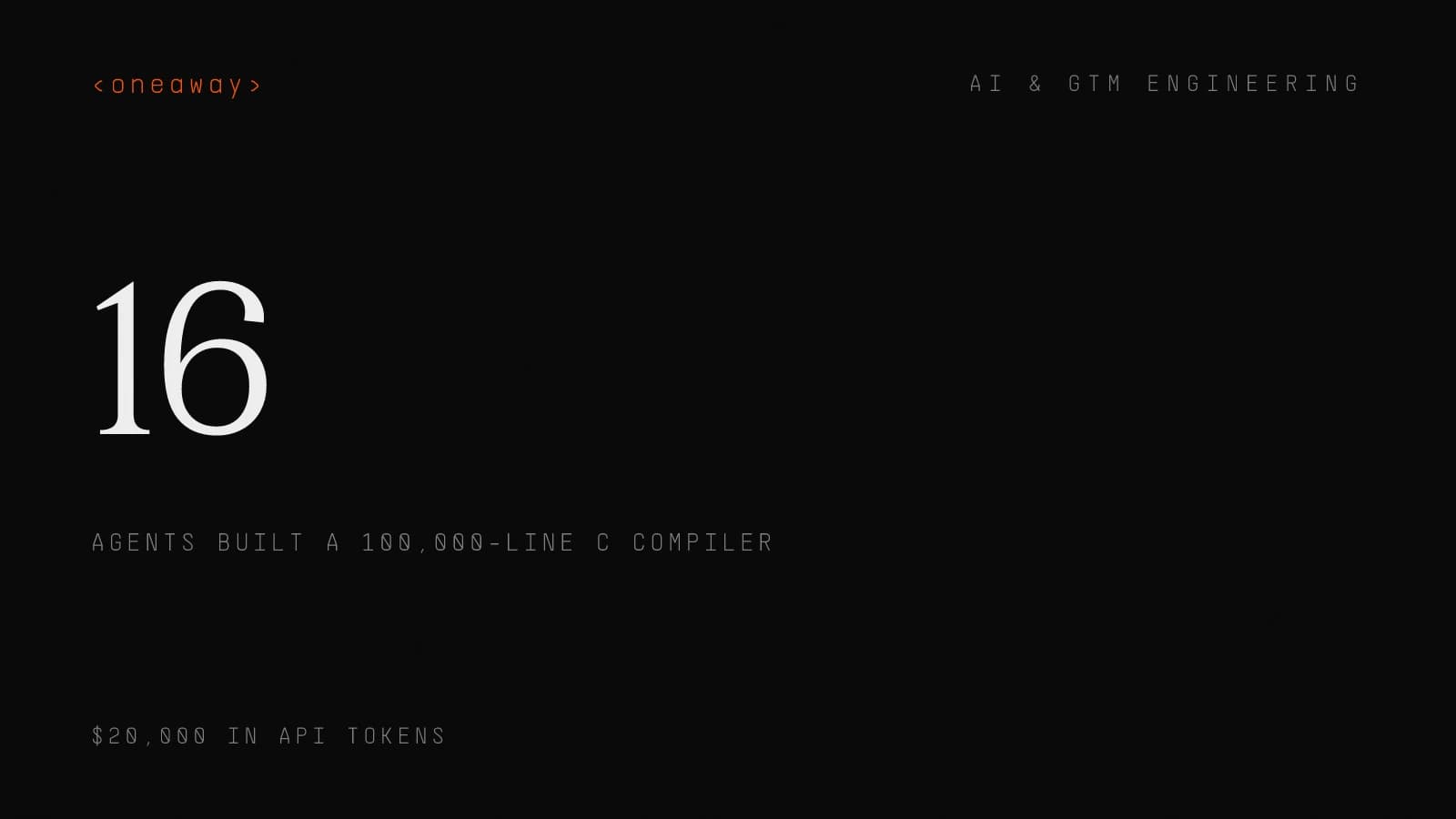
On February 5, 2026, Anthropic released Claude Opus 4.6 with a feature that shifts how developers and non-developers alike use AI for coding: Agent Teams. Instead of one AI agent working through your tasks sequentially, you can now spin up multiple Claude instances that coordinate in parallel, talk to each other, assign themselves work, and ship results faster than any single agent could.
This isn't a marginal improvement. Anthropic stress-tested the feature by having 16 parallel agents build a Rust-based C compiler from scratch. The result: a 100,000-line compiler produced across nearly 2,000 Claude Code sessions, capable of compiling the Linux kernel, QEMU, FFmpeg, SQLite, and PostgreSQL. Total cost: $20,000 in API tokens. The compiler even runs Doom.
If you're building software, managing a technical team, or using Claude Code as part of your business workflow, agent teams are worth understanding right now. This is the same kind of shift we covered when looking at Claude Code skills and slash commands—AI tools getting meaningfully more capable, not just incrementally better.
Quick Answer
Claude Code Agent Teams let you run multiple Claude instances in parallel on the same codebase—a team lead breaks down work, spawns teammates, and they self-coordinate with direct agent-to-agent messaging. Anthropic stress-tested the feature by having 16 agents build a 100,000-line Rust C compiler capable of compiling the Linux kernel, for $20,000 in API tokens.
What Are Claude Code Agent Teams?
Agent teams are a feature in Claude Code that lets you run multiple Claude instances simultaneously on the same codebase. One instance acts as the team lead—it creates the team, breaks down the work, assigns tasks, and synthesizes results. The other instances are teammates—each one gets its own context window, works independently, and can message other teammates directly.
Think of it like hiring a squad of AI developers instead of one. The lead figures out the plan, hands out assignments, and the team self-coordinates. When one teammate finishes, it picks up the next available task automatically.
The key difference from previous multi-agent approaches: teammates talk to each other, not just back to the lead. They can challenge each other's findings, share discoveries, and adjust their approach based on what other agents have learned. It's closer to how an actual engineering team works than anything we've seen from AI coding tools before.
Core components of an agent team:
- Team lead: Your main Claude Code session. Creates the team, spawns teammates, coordinates work.
- Teammates: Separate Claude Code instances. Each has its own full context window and works independently.
- Shared task list: A coordinated list of work items with dependency tracking. Tasks auto-unblock when their dependencies complete.
- Messaging system: Direct agent-to-agent communication. The lead can message any teammate, and teammates can message each other.
How Agent Teams Work Under the Hood
When you ask Claude Code to create an agent team, here's what actually happens:
- Team creation: Claude creates a team configuration stored at
~/.claude/teams/{team-name}/config.json. This file tracks all team members—their names, agent IDs, and roles. - Task breakdown: The lead analyzes your request and creates a shared task list at
~/.claude/tasks/{team-name}/. Each task has a status (pending, in progress, completed) and can depend on other tasks. - Teammate spawning: The lead launches separate Claude Code instances. Each teammate loads project context automatically—your CLAUDE.md, MCP servers, skills—but does not inherit the lead's conversation history.
- Self-coordination: Teammates claim tasks from the shared list. Task claiming uses file locking to prevent race conditions. When a teammate finishes a task, blocked downstream tasks automatically unblock.
- Communication: Teammates can send direct messages to specific teammates or broadcast to the whole team. Messages are delivered automatically—no polling required.
- Synthesis: The lead monitors progress, collects results, and synthesizes findings.
How Agents Avoid Stepping on Each Other
This is the question everyone asks. Anthropic's approach during the C compiler stress test: each agent clones a local copy from a shared bare git repository, works in its own workspace, and pushes changes back upstream. Git itself prevents duplicate task claims. Claude handles merge conflicts autonomously.
For typical agent team usage, file locking and task assignment prevent conflicts. The shared task list ensures two teammates don't claim the same work, and best practice is to structure tasks so each teammate owns different files.
Agent Teams vs. Subagents: Which to Use
Claude Code already had subagents—lightweight helper agents that run within your main session, do focused work, and report results back. Agent teams are different. Here's the breakdown:
| Feature | Subagents | Agent Teams |
|---|---|---|
| Context | Share your session; results return to you | Fully independent context windows |
| Communication | Report back to main agent only | Teammates message each other directly |
| Coordination | You manage all work | Shared task list with self-coordination |
| Best for | Focused tasks where only the result matters | Complex work requiring discussion and collaboration |
| Token cost | Lower (results summarized back) | Higher (each teammate is a separate Claude instance) |
Use subagents when: you need quick, focused workers. Researching a library, running tests, analyzing a file—tasks where you just need the answer.
Use agent teams when: the work benefits from parallel exploration and agents need to share findings, challenge each other, or coordinate across multiple domains.
When Agent Teams Make Sense (and When They Don't)
Strong Use Cases
Research and review: Multiple teammates investigate different aspects of a problem simultaneously. One checks security, another checks performance, a third validates test coverage. Each applies a different lens to the same codebase.
New modules or features: When building something with clear boundaries—like a frontend component, a backend API endpoint, and tests—each teammate can own a separate piece without conflicts.
Debugging with competing hypotheses: Instead of testing one theory at a time, spawn multiple teammates to investigate different theories in parallel. Have them actively try to disprove each other. The theory that survives adversarial challenge is more likely to be the actual root cause.
Cross-layer coordination: Changes spanning frontend, backend, and tests—each owned by a different teammate who understands their domain.
When to Skip Agent Teams
- Sequential tasks: If step 2 depends on step 1, parallelism doesn't help. Use a single session.
- Same-file edits: Two teammates editing the same file leads to overwrites. If the work centers on one file, don't use a team.
- Simple tasks: The coordination overhead isn't worth it for a quick fix. Agent teams add token cost—each teammate is a full Claude instance.
- Heavy dependencies: If most tasks block each other, teammates spend more time waiting than working.
How to Set Up Agent Teams
Agent teams are experimental and disabled by default. Here's how to enable and use them:
Step 1: Enable the Feature
Add this to your settings.json:
{
  "env": {
    "CLAUDE_CODE_EXPERIMENTAL_AGENT_TEAMS": "1"
  }
}
Or set it as an environment variable in your shell:
export CLAUDE_CODE_EXPERIMENTAL_AGENT_TEAMS=1Step 2: Ask Claude to Create a Team
Describe your task and the team structure you want in plain English:
Create an agent team to refactor the authentication module.
Spawn three teammates:
- One focused on updating the JWT token handling
- One on session management
- One on writing comprehensive tests
Claude creates the team, spawns teammates, assigns work, and coordinates.
Step 3: Choose a Display Mode
Two options:
- In-process (default): All teammates run in your terminal. Use
Shift+Up/Downto select a teammate and message them. Works everywhere. - Split panes: Each teammate gets its own terminal pane. Requires tmux or iTerm2. Lets you see everyone's output simultaneously.
{
  "teammateMode": "in-process"
}
Step 4: Monitor and Steer
Check in on teammates' progress. Redirect approaches that aren't working. You can message any teammate directly using Shift+Up/Down to select them.
Step 5: Shut Down and Clean Up
Ask all teammates to shut down, then clean up the teamThe lead sends shutdown requests, waits for confirmations, then removes shared team resources.
The C Compiler Proof of Concept
Anthropic didn't just ship the feature and hope for the best. They stress-tested it by building a full C compiler with 16 parallel agents.
The Numbers
| Metric | Result |
|---|---|
| Agents running in parallel | 16 |
| Total Claude Code sessions | ~2,000 |
| Lines of code produced | 100,000 |
| Total API cost | $20,000 |
| Tokens consumed | 2 billion input, 140 million output |
| Duration | ~2 weeks |
What the Compiler Can Do
- Builds Linux 6.9 on x86, ARM, and RISC-V architectures
- Compiles QEMU, FFmpeg, SQLite, PostgreSQL, and Redis
- Achieves a 99% pass rate on the GCC torture test suite
- Runs Doom (the unofficial benchmark for everything)
How They Organized the Work
Agents specialized in different roles: core compilation, code deduplication, performance optimization, design critique, and documentation. When parallelization stalled on Linux kernel compilation, researchers used GCC as an “oracle” to randomly compile portions, enabling agents to fix different bugs independently.
Human oversight was minimal. The system relied on comprehensive tests rather than active supervision.
What This Proves
A 100,000-line working compiler isn't a toy demo. It proves that multi-agent coordination can produce production-quality code at a scale that would take a small engineering team weeks or months. The key enablers: clear task boundaries, strong test suites as quality gates, and letting agents self-organize rather than micromanaging them.
Agent Teams vs. Other AI Coding Tools
The AI coding tool landscape in 2026 is crowded. Here's where agent teams fit:
| Tool | Multi-Agent | Approach | Strengths |
|---|---|---|---|
| Claude Code (Agent Teams) | Native team coordination | Multiple independent instances with messaging and shared task lists | Deep parallel exploration, inter-agent discussion, autonomous coordination |
| Cursor | Multi-file Composer | AI-native IDE with project-wide context | Inline editing, ghost text, IDE integration |
| GitHub Copilot | Limited agent mode | Plugin-based assistant | Massive adoption (20M+ users), tight GitHub integration |
| OpenAI Codex | Multi-agent workflows | macOS app with sandbox execution | Strong reasoning, dedicated sandbox |
Claude Code's differentiation is the coordination layer. Other tools can handle multi-file changes, but agent teams add genuine inter-agent communication—agents can debate, challenge findings, and self-organize. That's a fundamentally different capability than an AI that edits multiple files sequentially.
The Market Context
The AI coding assistant market hit $4 billion in 2025 and continues accelerating. 82% of developers now use AI coding assistants daily or weekly. GitHub projects 89% adoption among professional developers by end of 2026. Claude Code alone reportedly crossed $1 billion ARR. The competitive pressure is driving rapid feature innovation—and multi-agent coordination is the current frontier.
Best Practices for Using Agent Teams
Based on Anthropic's documentation, the C compiler case study, and early adopter reports:
1. Give Teammates Enough Context
Teammates don't inherit the lead's conversation history. Include task-specific details in the spawn prompt:
Spawn a security reviewer with the prompt: "Review the auth module
at src/auth/ for vulnerabilities. Focus on token handling, session
management, and input validation. The app uses JWT tokens stored in
httpOnly cookies. Report issues with severity ratings."
2. Size Tasks Appropriately
Target 5–6 tasks per teammate. Too small and coordination overhead exceeds the benefit. Too large and teammates work too long without check-ins.
3. Separate File Ownership
Structure work so each teammate owns different files. Two agents editing the same file creates overwrites.
4. Use Delegate Mode for the Lead
Press Shift+Tab to restrict the lead to coordination-only tools. Without this, the lead sometimes starts implementing tasks itself instead of delegating.
5. Require Plan Approval for Risky Changes
Spawn an architect teammate to refactor the auth module.
Require plan approval before they make any changes.
The teammate works in read-only mode until the lead approves the plan.
6. Start with Research, Not Code
If you're new to agent teams, start with non-coding tasks: reviewing a PR, researching a library, investigating a bug. These show the value of parallel exploration without the coordination complexity of parallel implementation.
7. Pre-Approve Permissions
Teammate permission requests bubble up to the lead, which creates friction. Pre-approve common operations in your permission settings before spawning teammates.
Limitations You Should Know About
Agent teams are labeled experimental for a reason. Current limitations:
- No session resumption: If you use
/resume, in-process teammates don't come back. You'll need to spawn new ones. - Task status can lag: Teammates sometimes fail to mark tasks as completed, blocking dependent work. Manually verify and update if tasks appear stuck.
- One team per session: You can't run multiple teams from the same lead. Clean up before starting a new team.
- No nested teams: Teammates can't spawn their own teams. Only the lead manages the team.
- Token costs scale linearly: Each teammate is a full Claude instance with its own context window. Five teammates means roughly 5x the token usage.
- Split panes require tmux or iTerm2: The default in-process mode works anywhere, but split-pane mode isn't supported in VS Code terminal, Windows Terminal, or Ghostty.
- Shutdown can be slow: Teammates finish their current request before shutting down.
These are real constraints, not theoretical ones. Plan around them.
What This Means for the Future of Software Development
Agent teams aren't just a Claude Code feature. They're a signal of where AI-assisted development is heading.
The shift from copilot to crew. For the past three years, AI coding tools have been single-agent: one assistant, one conversation, one task at a time. Agent teams break that model. Instead of an AI that helps you code, you now have an AI team that codes while you direct.
Management skills become engineering skills. Effective agent orchestration mirrors engineering management: task sizing, clear ownership boundaries, upfront specification, structured check-ins. The developers who get the most from agent teams won't be the best coders—they'll be the best at breaking down work and providing context.
Tests become the primary quality gate. The C compiler project proved this: 16 agents produced 100,000 lines of working code with minimal human review because the test suite caught issues. If you want agent teams to work, invest in your test infrastructure first.
Cost will come down. $20,000 for a C compiler sounds expensive until you compare it to the engineering salary equivalent. As token costs drop (and they consistently have), multi-agent workflows will become economically viable for smaller tasks. Today it's compilers. Tomorrow it's routine features.
Frequently Asked Questions
What are Claude Code Agent Teams?
Agent teams are a feature in Claude Code that lets you run multiple Claude AI instances simultaneously on the same codebase. One instance acts as team lead, coordinating work and assigning tasks. The others work independently as teammates, each with their own context window, and can communicate directly with each other through a built-in messaging system.
How do I enable Claude Code Agent Teams?
Set the environment variable CLAUDE_CODE_EXPERIMENTAL_AGENT_TEAMS to 1 in your settings.json or shell environment. Then tell Claude to create a team by describing the task and team structure you want in plain English. The feature is experimental and disabled by default.
How much do Agent Teams cost?
Token costs scale with the number of teammates. Each teammate is a full Claude instance with its own context window. Five teammates means roughly 5x the token usage of a single session. For Anthropic's C compiler stress test (16 agents, 2 weeks, 100,000 lines), the total API cost was $20,000. Typical usage with 3–5 teammates on smaller tasks costs significantly less.
What's the difference between Agent Teams and subagents?
Subagents are lightweight helpers that run within your main session and report results back to you. Agent teams are fully independent Claude instances that can communicate with each other, self-assign work from a shared task list, and coordinate autonomously. Use subagents for focused tasks; use agent teams when work benefits from parallel exploration and inter-agent discussion.
Can Agent Teams work on the same files?
They can technically, but they shouldn't. Two teammates editing the same file leads to overwrites. Best practice is to structure work so each teammate owns different files.
Key Takeaways
- Agent teams run multiple Claude instances in parallel on the same codebase, with a lead coordinating work and teammates self-organizing through a shared task list.
- Teammates communicate directly with each other, not just back to the lead—enabling debate, challenge, and genuine collaboration between AI agents.
- Anthropic stress-tested the feature by building a 100,000-line C compiler with 16 parallel agents across 2,000 sessions for $20,000 in API costs.
- Best use cases: parallel code review, multi-module feature development, competing-hypothesis debugging, and cross-layer coordination.
- Agent teams are experimental—enable with
CLAUDE_CODE_EXPERIMENTAL_AGENT_TEAMS=1. Expect limitations around session resumption, task status tracking, and token costs. - The feature signals a shift from AI as a copilot to AI as a crew you manage. Task decomposition and context-setting skills become as valuable as coding ability.
Building with AI tools like Claude Code is part of how we work at oneaway. If you're a B2B company looking to build predictable pipeline through outbound, let's talk.
Continue Reading
Best AI Sales Forecasting Models in 2026, Ranked by Accuracy
I tested 11 AI sales forecasting models with real pipeline data. Here's what actually works, ranked by accuracy, cost, and whether your CRM can handle it.
Read more [ 14 MIN READ ]Best AI Sales Team Workflows in 2026, Ranked by Time Saved
I tested dozens of AI tools sales team workflows. Here's what actually saves time in 2026, ranked by hours recovered per rep per week—with real implementation data.
Read more [ 18 MIN READ ]Best AI GTM Tools for Revenue Teams in 2026, Ranked by Impact
I've tested dozens of AI GTM tools as a former AWS/Salesforce SDR turned GTM engineer. Here's what actually moves revenue in 2026, ranked by real-world impact.
Read more