How to edit videos with Claude Code using one skill file
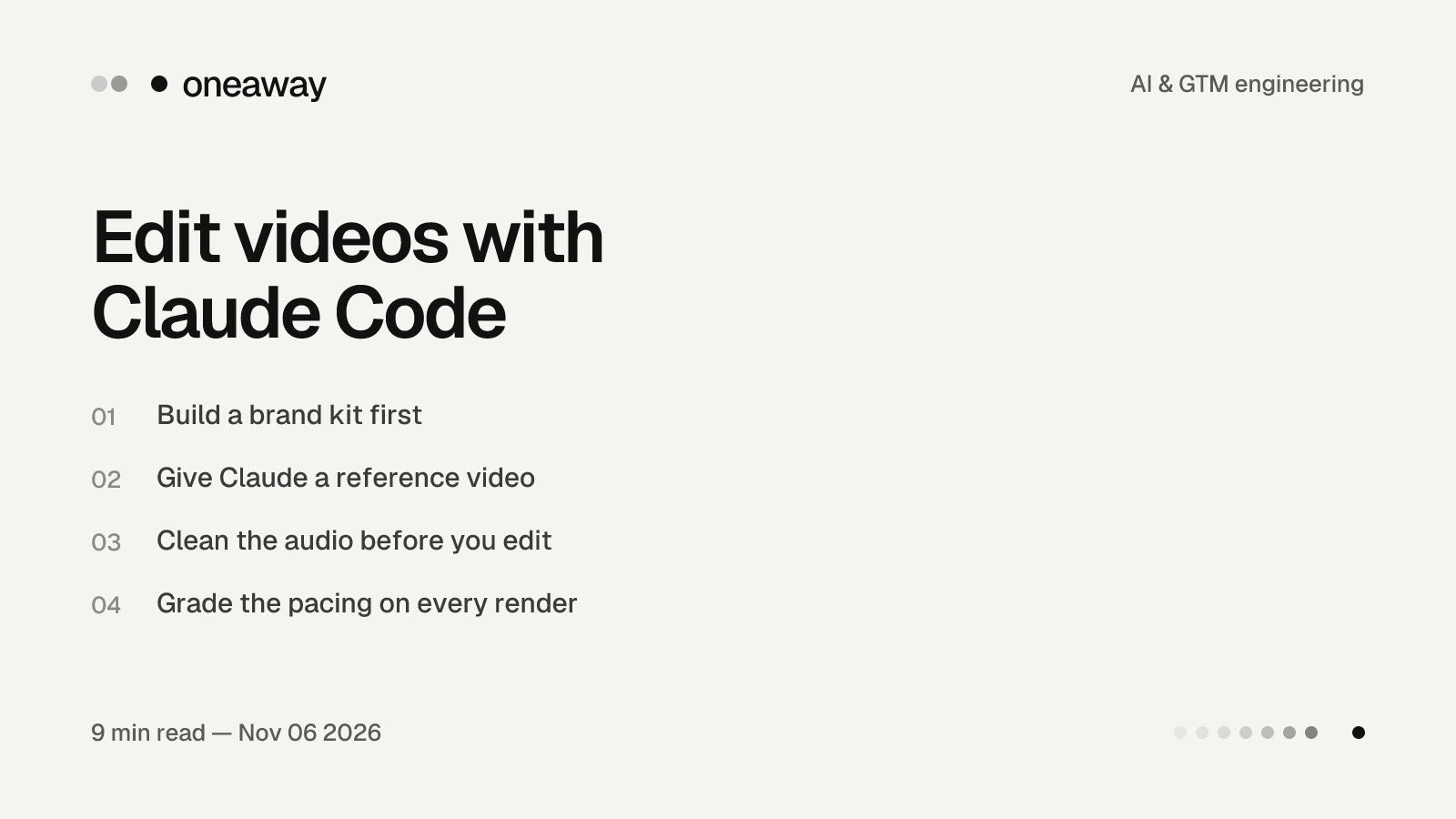
To edit videos with Claude Code, put your raw recordings in one folder, write a skill that knows your brand kit and the editing style you want, clean the audio first, and then run that skill on each new recording. Mine is called /video-edit: it cuts the dead air, fast-forwards the parts where I’m clicking around, keeps my face on screen and checks the pacing on every render, and it turns a 10-minute recording into a finished edit in about 10 to 15 minutes.
In the three days before I recorded this, I posted three long videos: 8, 11 and 13 minutes. One was shot at a co-working cafe in Bali. Another I recorded while walking down a busy street, and the audio still sounds clean. Every one has captions, zoom-ins and small animations, and I didn’t edit any of them by hand.
I run an outbound agency, so it’s fair to ask why I care about YouTube. The short version: video is what makes cold email and LinkedIn outreach convert once someone is interested. This guide is the written version of the video above. It covers the setup in the order I built it, and why it matters for outreach.
Quick answer
Build a brand kit with Claude (fonts, colours, one accent colour, your graphics). Give Claude Code a video whose editing you like and ask it to study it frame by frame. Turn what it learns into one skill. Then, for every recording: clean the audio in a tool like Auphonic, put the file in your videos folder and run the skill. Have it cut silences, fast-forward silent navigation, keep your face on screen and grade the pacing against targets, such as a 3 to 5 second average shot and 10 to 20 cuts a minute.
One skill file does the edit
Everything runs from one Claude Code skill called video-edit. A skill is a file of instructions Claude adds to its toolkit. Anthropic’s Claude Code docs describe it as a SKILL.md file that Claude uses when it’s relevant, or that you run directly by typing a slash and its name. So when I finish recording, I upload the file, type /video-edit and tell it to edit the video.
I’m not giving my skill away. That’s not about keeping secrets: it encodes my style of editing, and you should build yours around your own. It’s also not hard. Start a clean Claude Code chat, keep a folder on your computer called videos where every recording goes, give Claude a reference and explain what you want. It’s surprising how quickly it gets there. Often it delivers a finished video on the first try.
If you haven’t built a skill before, start with our guide to Claude Code skills and slash commands.
Build a brand kit first
The first thing to get right isn’t the editing. It’s your brand kit: your fonts, colours, one accent colour and the graphics you use. Work with Claude to put it together.
You’ll use it far beyond video. The same kit styles your website and any still images you make, including the graphics inside your videos. In mine, the call-outs are orange because orange is our accent colour, and Claude knows that from the kit.
Give Claude a reference video
This is the shortcut. I found a video whose editing I really liked, pasted it into Claude Code and asked it to go through the video frame by frame and study the editing style, because I wanted to take inspiration from it.
That gave the skill a concrete target instead of a vague brief like “make it engaging”. Then I confirmed which kinds of animation and layout I liked, and those became the rules it follows.
Clean the audio before you edit
There’s one step I do before the skill runs, and it’s the one I’d least want to skip. Audio matters a lot in video, and Auphonic cleans it better than any tool I’ve used.
- Upload the video you recorded, with its audio.
- Select the voice cleaner and turn on music removal.
- Start the full production. If you don’t want to spend credits yet, you can generate a preview first.
You don’t have to export the audio separately. Auphonic’s features page says that for video productions it processes the extracted audio track and merges it back into the video without any loss of image quality. Its noise reduction also lets you choose whether to keep or remove music. That’s how a video recorded on a busy street comes out sounding clean.
Cut the dead air and fast-forward the clicking
Claude is good at finding silences and removing them. The part I want to point out is what it does with navigation.
When I’m walking through a process on screen, there are stretches where I’m clicking around and not saying much. The skill turns those into a silent 4x fast-forward. You see what I did, it doesn’t drag, and the edit flows naturally. Claude started doing this on its own, and you can see it in my earlier videos.
Keep your face on screen
My face stays on screen almost the whole time, in one of four layouts. Two examples: a face bubble over the screen demo, and a split screen with a cartoon next to me. Most of each video is me explaining to camera, because that’s the style I like.
The skill rotates through the layouts and animations I’ve told it I like, so a 10-minute screen recording still feels like someone is talking to you.
Grade the pacing on every render
This is my favourite detail, and the one I think does the most for retention. After every render, a pacing script grades the video against two targets:
- A 3 to 5 second average shot — no single frame sits on screen for long.
- 10 to 20 cuts a minute — enough change to keep the video moving.
These two used to need a paid editor, and now they’re fully automated. The point is that it shouldn’t be one static shot the whole time. That can work if it’s your style, and some creators make it work. But if you want the video to feel more engaging, Claude adds zoom-ins, cuts and animations, because it knows that’s what the targets need.
Why cold outreach needs video
I built a business on LinkedIn and cold email campaigns, and I’m telling you to make videos. Here’s why.
When someone replies to your cold email and says they’re interested, one of the first things they do is search your company domain. Then they look you up. Picture two versions of that moment:
- You post nothing — No YouTube, no LinkedIn, no X. They search your name to check you’re legit, and find nothing.
- You post consistently — They find your channel, see the subscribers and how often you post, click a video that’s well edited and well paced, and find you giving things away for free.
On my channel, the top link under my Grok Bot video is a free copy of every bot. It goes to a landing page with exactly the same branding as the videos. That consistency is the brand kit doing its job.
I push every client to do this. Not everyone has the time or energy, and that’s the opportunity for you. The cost of making a video has dropped so far that it’s an easy call: it brings in inbound leads, and it supports the cold leads who have already shown interest from your emails or LinkedIn messages. For the LinkedIn side, see our LinkedIn content strategy.
My recording setup
- OBS — for recording. The OBS Project describes OBS Studio as free and open source software for video recording and live streaming, and it’s easy to set up.
- A microphone on my tripod — nothing more elaborate than that.
- Auphonic — to clean the audio before editing.
- Claude Code with /video-edit — I attach the cleaned video and run the skill. For a 10-minute video it takes around 10 to 15 minutes.
Then I review the edit once or twice and say it’s good to go. The thumbnails are AI-generated too, so Claude can make those for you as well.
Frequently asked questions
Can Claude Code edit YouTube videos?
Yes. I edit all my long-form videos with one Claude Code skill. It cuts silences, fast-forwards silent screen navigation, adds zoom-ins, animations and captions, keeps my face on screen and checks the pacing. I usually review the result once or twice before publishing.
How do I get AI to copy the editing style of a video I like?
Give Claude Code the video and ask it to go through it frame by frame and describe the editing style. Then confirm which parts you want to keep, and write those into your skill as rules.
How do I clean up the audio in a video recording?
I upload the video to Auphonic, select the voice cleaner and music removal, and start a full production. Auphonic processes the audio track and merges it back into the video. You can generate a preview first if you don’t want to spend credits.
How do I cut silences and dead air from a video automatically?
Put it in the skill’s instructions. Claude finds silences and removes them, and mine also turns stretches of quiet clicking around into a silent 4x fast-forward.
What pacing keeps viewers watching?
The targets I use are a 3 to 5 second average shot and 10 to 20 cuts a minute. A script grades every render against them, so I don’t have to check by eye.
Why does cold outreach need YouTube videos?
Because interested leads check you out. After someone replies to a cold email, they search your company and then you. Finding consistent, well-made videos makes it much easier for them to trust you than finding nothing.
What do I need to record YouTube videos?
Not much. I use OBS, which is free, and a microphone on a tripod. Auphonic cleans the audio, and Claude Code does the edit.
Key takeaways
- One Claude Code skill can do the whole edit. Build it around your own style, not someone else’s skill.
- Start with a brand kit, then give Claude a reference video to study frame by frame.
- Clean the audio before editing. Audio quality matters more than most people think.
- Cut silences, fast-forward silent navigation and keep your face on screen.
- Grade every render against pacing targets: a 3 to 5 second average shot and 10 to 20 cuts a minute.
- Video supports outreach: interested leads look you up, and what they find decides whether they trust you.
If you need a hand setting this up, leave a comment on the video or message me on LinkedIn (search Xavier Caffrey).
Want outbound run by AI agents we built?
We run cold email and LinkedIn outbound for B2B companies, from lead lists and data validation to copywriting and CRM sync, and book qualified meetings onto your calendar. Junction grew from around $3M to $20M ARR during the almost three years we ran their outbound. Read the Junction case study.
Book a callContinue Reading
How to get recommended by AI: my weekly tracker and 4 actions
The AEO tracker I built with Claude Code to see what ChatGPT, Claude, Gemini and Grok say about OneAway, and the four actions that took us from 7.1% to 42.9% of Grok answers.
Read more [ 10 MIN READ ]How 8 Grok Bots run my outbound and booked 27 meetings
Every Grok Bot I use to run outbound, from the ICP and lead list to replies and the CRM, the three places I still check their work, and the follow-up rule behind 27 booked meetings.
Read more [ 8 MIN READ ]How to connect Grok Bot to Notion with a Kanban board and webhook
Too many Grok Bots, too many chats. Here's the Notion setup I use so every task my bots need from me sits on one board: a webhook, a Kanban database and one automation.
Read more